Morning coffee
Morning sunlight on a ceramic coffee cup on a wooden table. A gentle slow camera push, steam rising, calm cinematic lighting.
 OruxAI
HappyHorse
happyhorse-1.0-r2vUpload a reference image and describe the scene to create a video.
/ second
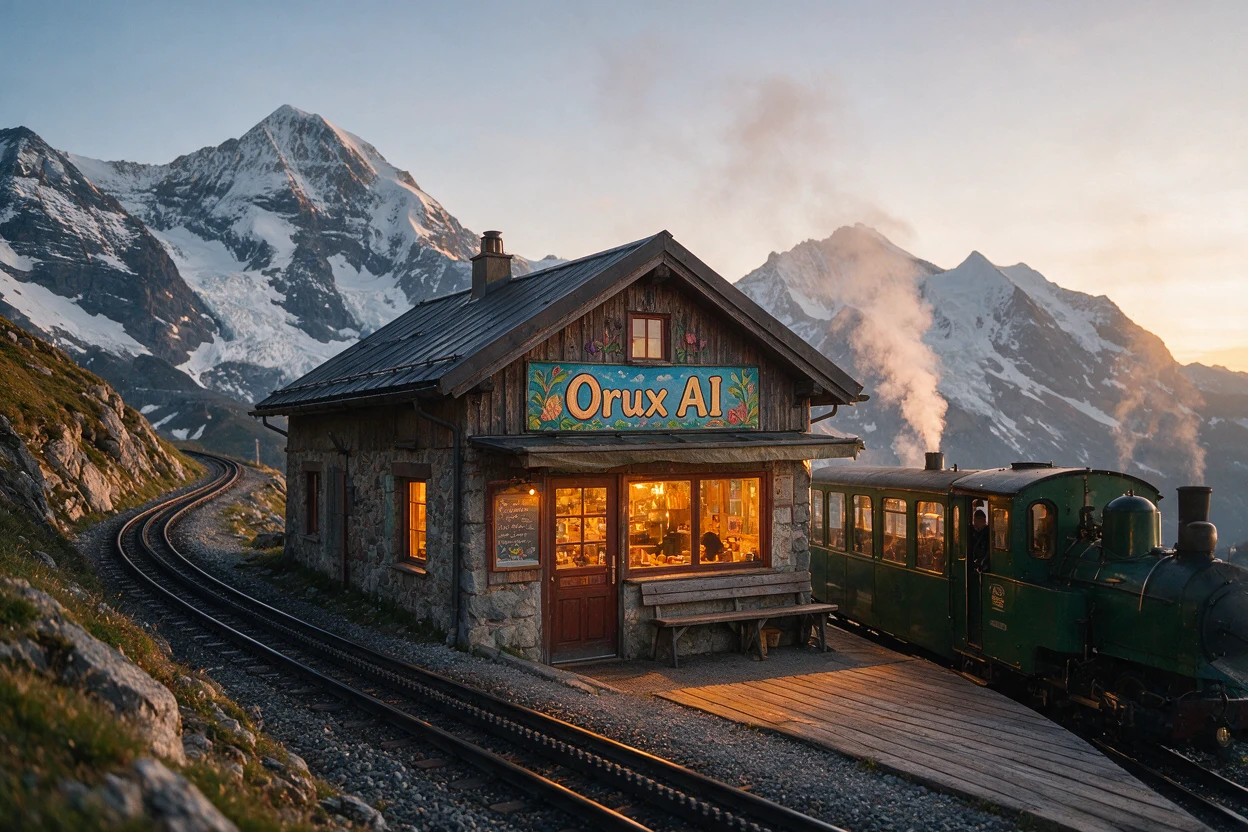 seedream-5.0-pro-orux-brand.webp
Estimate the cost first. Generation starts only after confirmation.
Load the original settings, then adjust them before generating.
Morning sunlight on a ceramic coffee cup on a wooden table. A gentle slow camera push, steam rising, calm cinematic lighting.
Upload a reference image and describe the scene to create a video.
Fields accepted in the request body for this model.
prompttextimagesimage URL[]durationenumresolutionenumratioenum1080P
Bill actual quantity
Minimum per call: 0 Credits · Rounding is applied once to the total cost
Pricing follows the selected specifications
720P
Bill actual quantity
Minimum per call: 0 Credits · Rounding is applied once to the total cost
Pricing follows the selected specifications
Prices are billed per unit consumed with no monthly minimum. See billing guide for Credits estimates and actual usage charges.
POST https://orux.top/api/v1/tasksAbout happyhorse-1.0-r2v pricing, capabilities and API access on Orux AI.
happyhorse-1.0-r2v: Upload a reference image and describe the scene to create a video.
See the pricing section on this page for happyhorse-1.0-r2v pricing and applicable conditions. Charges depend on the selected parameters and recorded usage.
happyhorse-1.0-r2v accepts Text / Image and returns Video.
Create an Orux AI API key and send an authenticated POST request to https://orux.top/api/v1/tasks, using happyhorse-1.0-r2v as the model identifier. This model uses asynchronous tasks: submit input, then poll the returned task ID for the result. Try the playground on this page and use the API example for the exact request format.