
Orux AIOruxAI
Qwen logo

Qwen

Qwen Image 3.0

qwen-image-3.0

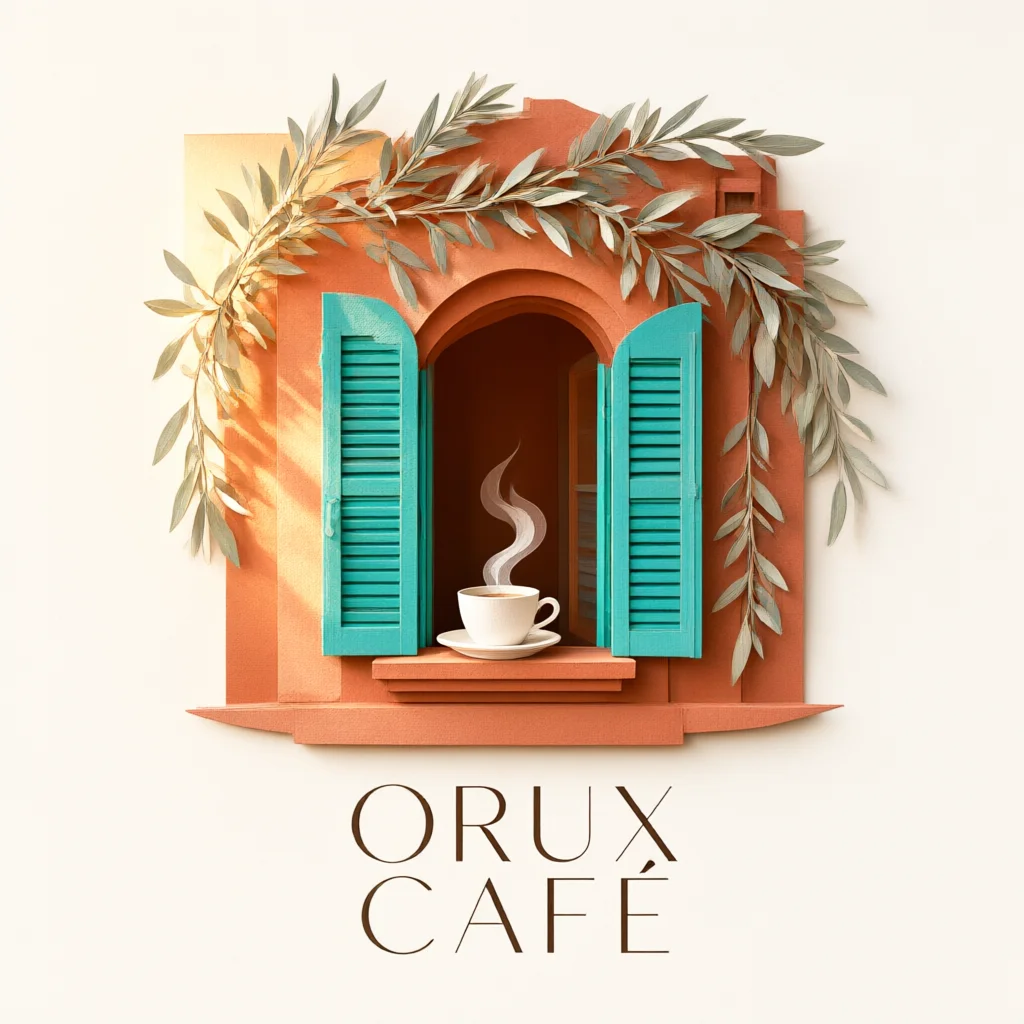
Generate images from a written description. Explore a real paper-cut cafe poster example.

Pricing
From 0.0300015 USD / image
Output
Image
Added to catalog
Oct 28, 2026
Input
Examples
*
*
Default: 1K
*
Default: 1:1

Estimate the cost first. Generation starts only after confirmation.

OutputFill example

Examples and templates

Load the original settings, then adjust them before generating.

Paper-cut cafe poster

Paper-cut cafe poster

Create an elegant editorial poster for Orux Café: a tiny Mediterranean café made from layered paper, warm terracotta walls, turquoise shutters, a white coffee cup, olive branches and morning light. Include the clear words “ORUX CAFÉ”. Square composition, clean margins, exquisite paper texture, no other text.

README

Generate images from a written description. Explore a real paper-cut cafe poster example.

Model capabilities

Input modalities
Text
Output modalities
Image

From description to image

The paper-cut cafe poster shown here was generated by this model. Change the subject, colors, materials or lettering to create your own version.

This page offers the verified square text-to-image specification, with one image per request. Selecting an example only fills the form.

Pricing

Billing follows the number of successfully generated images. Review and confirm the quote before generating.

Parameters

Fields accepted in the request body for this model.

prompttext
Required
Length: 3 – 5000
resolutionenum
Required
Values: 1KDefault: 1K
aspect_ratioenum
Required
Values: 1:1Default: 1:1

Pricing

Pricing

USD / image

Reference images: 0 · 1K

Output0.0300015

Bill actual quantity

Minimum per call: 0 USD · Rounding is applied once to the total cost

Pricing follows the selected specifications

Prices are billed per unit consumed with no monthly minimum. See billing guide for USD estimates and actual usage charges.

POST https://orux.top/api/v1/tasks

Frequently asked questions

About Qwen Image 3.0 pricing, capabilities and API access on Orux AI.

Does selecting an example incur a charge?

No. Selecting an example only fills the form. A model call starts after you confirm generation or send a request.

What is Qwen Image 3.0?

Qwen Image 3.0: Generate images from a written description. Explore a real paper-cut cafe poster example.

How much does Qwen Image 3.0 cost on Orux AI?

See the pricing section on this page for Qwen Image 3.0 pricing and applicable conditions. Charges depend on the selected parameters and recorded usage.

What inputs and outputs does Qwen Image 3.0 support?

Qwen Image 3.0 accepts Text and returns Image.

Where can I access the Qwen Image 3.0 API?

Create an Orux AI API key and send an authenticated POST request to https://orux.top/api/v1/tasks, using qwen-image-3.0 as the model identifier. This model uses asynchronous tasks: submit input, then poll the returned task ID for the result. Try the playground on this page and use the API example for the exact request format.