
Orux AI / Model notes
Nano Banana 2.1 API: Price per Image and Python Quickstart
Nano Banana 2.1 API costs 3.6 Credits ($0.018) per 1K image on Orux AI vs $0.0336 direct. See 2K/4K rates, aspect ratios, edit mode and Python code.
On this page
Nano Banana 2.1 costs 3.6 Credits ($0.018) per 1K image, 5.4 Credits ($0.027) at 2K and 8.1 Credits ($0.0405) at 4K on Orux AI. Google's own Gemini API lists the same model at $0.0336, $0.0504 and $0.113 per image on its Standard tier. You call it through one endpoint, POST https://orux.top/api/v1/tasks, with a flat price per successful image and reference images included.
Google's Batch tier is cheaper than Orux AI at 1K and 2K, and this article says so in the table rather than in a footnote. Below: the full price comparison, what changed in 2.1, a text-to-image and an editing script, every aspect ratio, measured generation times, and how it compares with GPT Image 2.5 and Seedream 5.0 Pro. Prices as of Oct 29, 2026.
Nano Banana 2.1 price per image
| Resolution | Orux AI | Google Standard | Google Batch | fal (estimate) |
|---|---|---|---|---|
| 1K | 3.6 Cr ($0.018) | $0.0336 | $0.0168 | ~$0.040 |
| 2K | 5.4 Cr ($0.027) | $0.0504 | $0.0252 | ~$0.059 |
| 4K | 8.1 Cr ($0.0405) | $0.113 | $0.0567 | ~$0.134 |
| 100 images at 1K | 360 Cr ($1.80) | $3.36 | $1.68 | ~$4.00 |
Swipe horizontally to view the full table.
1 Credit = $0.005. Google prices are from the Gemini API pricing page. The fal column is fal's own estimate in its Nano Banana API guide (published Oct 22, 2026), derived from its token rate of $35.294 per 1M image-output tokens for a short prompt; it is not a fixed per-image price.
How to read it:
- Against Google Standard, Orux AI is 54% at 1K and 2K and 36% at 4K. The 4K gap is the widest because Google's 4K image uses 3,780 output tokens versus 1,120 at 1K.
- Google Batch is about 7% cheaper than Orux AI at 1K and 2K. If you render thousands of images offline and can wait for batch completion, going direct is cheaper at those sizes. At 4K, Orux AI is lower than Google Batch. Orux AI has no batch mode.
- Google's per-image figures exclude input tokens ($1.50 per 1M) and any text or thinking output ($7.50 per 1M). Editing with several reference images adds input cost on Google and fal. On Orux AI the price depends only on resolution.
What's new in Nano Banana 2.1
Google released Nano Banana 2.1 as generally available in the Gemini API on October 6, 2026, as an update to Nano Banana 2. According to Google's changelog, it keeps Flash-level speed and cost while improving visual quality, prompt adherence, character consistency across multi-turn edits, and text rendering. It also adds wide and panoramic aspect ratios: 1:4, 4:1, 1:8 and 8:1, at 1K, 2K and 4K.
On price, Google lists 2.1 at about half of Nano Banana 2: $0.0336 versus $0.067 for a 1K image on Standard. Google also directs users of the older Flash image model to move to 2.1, so new projects should start on 2.1.
Those are Google's claims. We have not benchmarked quality across versions, so this article makes no claim about how much better 2.1 is.
Text-to-image in Python
Image generation on Orux AI is asynchronous. You submit a task and receive a task_id with HTTP 202, then poll until the status is SUCCESS, FAILED or EXPIRED. Only SUCCESS is billed. There is no callback; polling is the only way to collect the result.
Create a key at orux.top/keys (shown once) and export it as ORUX_API_KEY.
import os, time, json, requests

BASE = "https://orux.top/api/v1"
HEADERS = {"Authorization": f"Bearer {os.environ['ORUX_API_KEY']}"}
PRICE = {"1K": 3.6, "2K": 5.4, "4K": 8.1}   # Credits per image, checked 2026-10-29

def submit(payload: dict) -> str:
    r = requests.post(f"{BASE}/tasks", headers=HEADERS,
                      json={"model": "nano-banana-2.1", "input": payload}, timeout=60)
    if r.status_code == 402:
        raise RuntimeError("Insufficient balance: top up (not an auth error)")
    r.raise_for_status()
    task_id = r.json()["task_id"]
    with open("tasks.jsonl", "a") as f:          # keep ids so a restart can resume
        f.write(json.dumps({"task_id": task_id, "input": payload}) + "\n")
    return task_id

def wait(task_id: str, max_wait: int = 900) -> list[str]:
    deadline = time.time() + max_wait
    while time.time() < deadline:
        time.sleep(5)
        t = requests.get(f"{BASE}/tasks/{task_id}", headers=HEADERS, timeout=30).json()
        if t["status"] == "SUCCESS":
            return t["result"]
        if t["status"] in ("FAILED", "EXPIRED"):
            raise RuntimeError(t.get("error") or t["status"])   # not charged
    raise TimeoutError(f"{task_id} still running; poll it again later, do not resubmit")

def save(urls: list[str], prefix: str) -> None:
    for i, url in enumerate(urls):
        with open(f"{prefix}_{i}.png", "wb") as f:
            f.write(requests.get(url, timeout=120).content)    # result URLs expire

job = {
    "prompt": "Studio product photograph of a small matte purple ceramic vase "
              "on a warm white background, soft natural shadow, no text.",
    "resolution": "1K",
    "aspect_ratio": "1:1",
}
print(f"expected charge: {PRICE[job['resolution']]} Credits")
save(wait(submit(job)), "vase")
The prompt is the "Product photo" template from the Nano Banana 2.1 model page. Two habits worth keeping: write the task_id somewhere durable before polling, and download results immediately, because result links are temporary.
Image editing with reference images
To edit or combine images, pass up to 10 public image URLs in image_urls and describe the change. The price stays the same as text-to-image at that resolution.
edit = {
    "prompt": "Keep the vase from the first image exactly. Place it on the oak shelf "
              "from the second image, late afternoon light, no text.",
    "image_urls": [
        "https://example.com/vase.png",
        "https://example.com/shelf.jpg",
    ],
    "resolution": "2K",
    "aspect_ratio": "4:5",
}
save(wait(submit(edit)), "vase_on_shelf")   # 5.4 Credits if it succeeds
Be explicit about what must not change ("keep the vase exactly") and which image supplies which element. Vague edit prompts tend to restyle everything.
Aspect ratios and resolution
Every option accepted by nano-banana-2.1 on Orux AI:
| Parameter | Values | Notes |
|---|---|---|
resolution | 1K, 2K, 4K | Default 1K; sets the price |
aspect_ratio | auto, 1:1, 2:3, 3:2, 3:4, 4:3, 4:5, 5:4, 9:16, 16:9, 21:9 | auto lets the model choose |
aspect_ratio (panoramic) | 1:4, 4:1, 1:8, 8:1 | New in 2.1 |
image_urls | 0–10 URLs | Optional; for editing and composition |
prompt | Text | Required |
Swipe horizontally to view the full table.
Exact pixel dimensions depend on the ratio. For reference, the existing Orux example below was saved with 2K and 3:2, and the file served on the model page measures 2528×1696 pixels.
The prompt asked for a logo that reads exactly "Orux AI", and in this output it does. It is a single image, so treat it as an example of what the model can do rather than a guarantee; proofread lettering on every result.
Real-world speed
Across the 5 most recent completed Nano Banana 2.1 tasks on Orux AI in October 2026, average generation time was 124 seconds. That is a small sample and includes queueing, so treat it as an order of magnitude, not a benchmark.
For comparison, from the same public figures: GPT Image 2.5 Flare averaged 67 seconds and GPT Image 2.5 Sunburst 125 seconds (5 tasks each), and Seedream 5.0 Pro 99 seconds (31 tasks, as of Oct 30, 2026).
Practical consequences:
- Do not block a web request waiting for an image. Submit, return the
task_idto your front end, and poll from a worker. - Poll every 5 seconds; faster polling does not make the image arrive sooner.
- Set your timeout in minutes, not seconds. The script above waits up to 15 minutes before giving up and keeps the
task_idso you can resume.
Budgeting a real project
Per-image prices look tiny until you multiply them by the number of attempts. A typical product-shot project might involve 200 drafts at 1K to settle the prompt and composition, then 20 finals at 4K.
| Plan: 200 × 1K + 20 × 4K | Cost |
|---|---|
| Orux AI | 720 + 162 = 882 Credits ($4.41) |
| Google Standard | $6.72 + $2.26 = $8.98, plus input and thinking tokens |
| Google Batch | $3.36 + $1.13 = $4.49, plus input and thinking tokens |
Swipe horizontally to view the full table.
The draft phase dominates the bill, which is why iterating at 1K matters more than which tier you buy the finals on. Two more ways to keep the draft count down: fix one variable per run (subject, then lighting, then ratio), and reuse a good result as a reference image instead of re-rolling the whole prompt. Edits cost the same as a fresh image on Orux AI, so building from a near-miss costs no more per image than starting over and often needs fewer attempts.
Nano Banana 2.1 vs GPT Image 2.5 vs Seedream 5.0 Pro
All prices on Orux AI, per successful image, as of Oct 29, 2026:
| Model | 1K | 2K | 4K | Max reference images | Avg generation time |
|---|---|---|---|---|---|
| Nano Banana 2.1 | 3.6 Cr ($0.018) | 5.4 Cr ($0.027) | 8.1 Cr ($0.0405) | 10, no surcharge | 124 s (n=5) |
| GPT Image 2.5 Flare | 5.4 Cr ($0.027) | 9 Cr ($0.045) | 14.4 Cr ($0.072) | 16 | 67 s (n=5) |
| GPT Image 2.5 Sunburst | 5.4 Cr ($0.027) | 9 Cr ($0.045) | 14.4 Cr ($0.072) | 16 | 125 s (n=5) |
| Seedream 5.0 Pro | 10.5 Cr ($0.0525) | 21 Cr ($0.105) | not offered | 10, +0.75 Cr each from the 2nd | 99 s (n=31) |
Swipe horizontally to view the full table.
Nano Banana 2.1 has the lowest per-image price of the four at every resolution it shares with them, and it is the only one here with 1:8 and 8:1 panoramas. GPT Image 2.5 Flare was the fastest in these samples and accepts more reference images. Seedream 5.0 Pro is the most expensive per image and stops at 2K. Price is not quality: run your own prompts through two or three of them before committing a product to one.
For deeper dives, see the GPT Image 2.5 pricing guide, the full cheapest image generation API ranking, and our Gemini API pricing breakdown for Google's chat models.
FAQ
How much does Nano Banana 2.1 cost?
On Orux AI, Nano Banana 2.1 costs 3.6 Credits ($0.018) per 1K image, 5.4 Credits ($0.027) at 2K and 8.1 Credits ($0.0405) at 4K, as of Oct 29, 2026. Google's Standard tier lists $0.0336, $0.0504 and $0.113, and its Batch tier half that.
Is 4K worth it?
Only for final assets. On Orux AI a 4K image costs 2.25 times a 1K image, so iterate on prompts at 1K, then render the chosen version at 4K. At 4K the Orux AI price is 36% of Google's Standard rate, the largest gap of the three resolutions.
Can Nano Banana 2.1 edit photos?
Yes. Pass up to 10 image URLs in image_urls and describe the change in the prompt. On Orux AI the price is the same as text-to-image at the chosen resolution; reference images add nothing. Name which image supplies which element and what must stay unchanged.
How long does one image take?
The average across the 5 most recent completed tasks on Orux AI in October 2026 was 124 seconds, including queueing. Individual tasks vary, so poll every 5 seconds from a background worker and allow several minutes before treating a task as stuck.
Do failed generations cost anything?
No. Image tasks are billed only when they finish with SUCCESS. Tasks that end as FAILED or EXPIRED are not charged. Billing is prepaid with no monthly fee, so your balance only moves when an image is actually delivered.
Sources and price check
Prices checked on 2026-10-29. Google per-image, token and batch rates: Gemini API pricing. Release date and new features: Gemini API changelog. fal estimates: fal Nano Banana API guide. Orux AI prices and generation times: the model pages linked above.
Build with these models through one API
One OpenAI-compatible API for chat, image, video and audio models, billed in Credits.
Related articles
Browse all articles →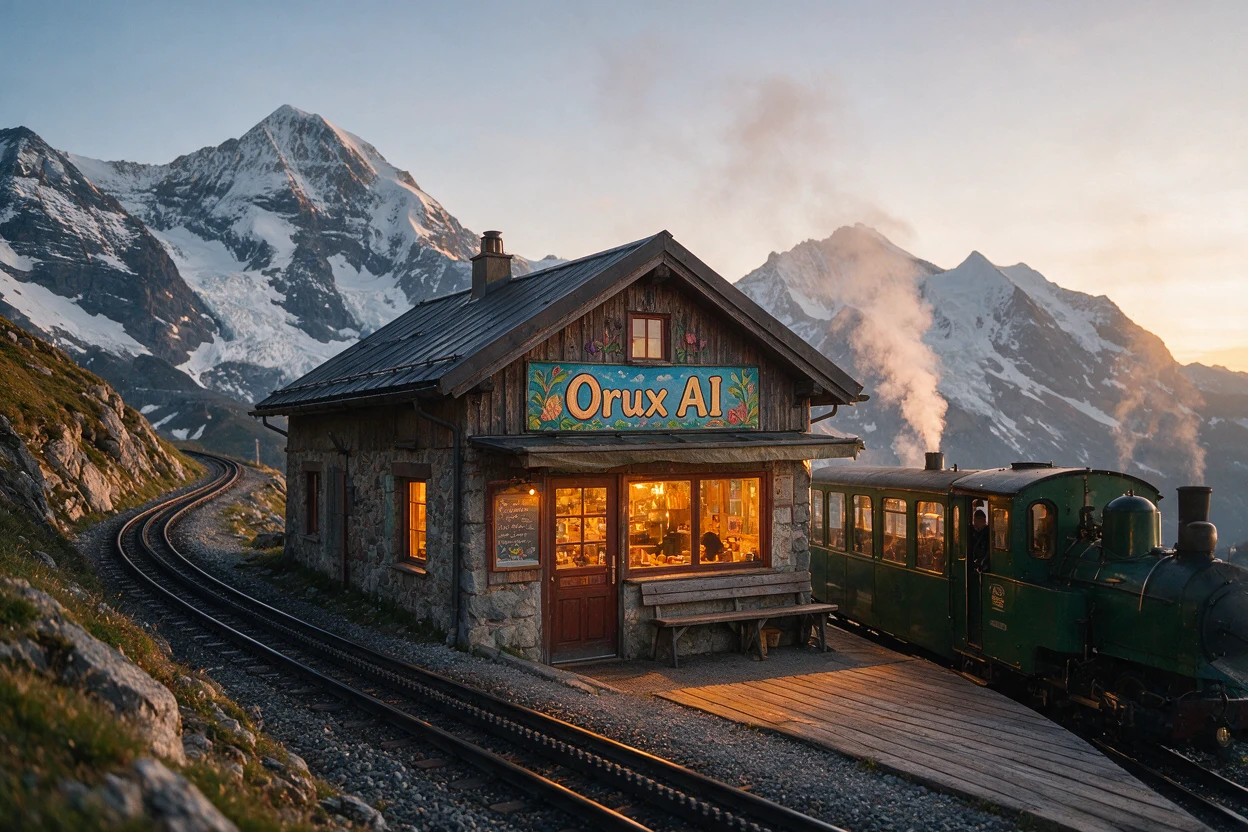
Seedream 5.0 Pro API: Price per Image, Sizes and Crop Test
Seedream 5.0 API pricing: Pro costs 10.5 Credits ($0.0525) per 1K image on Orux AI. See official tiers, reference-image fees, real output sizes and a crop test.
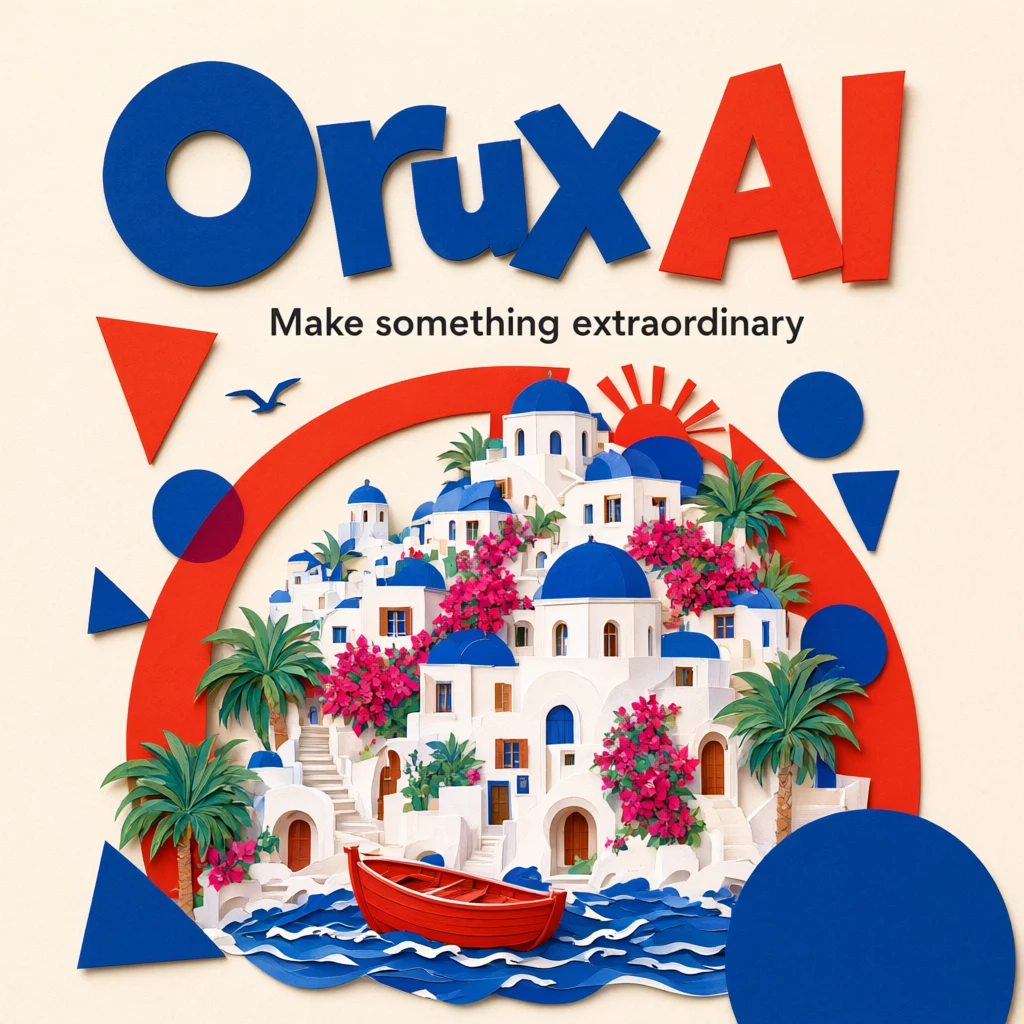
Qwen Image 3.0 API: Pricing, Pro vs Standard, Python
Qwen Image 3.0 API costs 6 Credits ($0.03) per image on Orux AI; Pro starts at 10.42 Credits. Compare both tiers, a real poster prompt and Python code.

Kling 4.0 API: Price per Second, Parameters, Python Example
Kling 4.0 API on Orux AI costs 42.75 Credits ($0.214) per second at 720p. See 3–30 s clip costs, every request parameter and a submit-and-poll Python example.