
Orux AI / Model notes
Seedream 5.0 Pro API: Price per Image, Sizes and Crop Test
Seedream 5.0 API pricing: Pro costs 10.5 Credits ($0.0525) per 1K image on Orux AI. See official tiers, reference-image fees, real output sizes and a crop test.
On this page
Seedream 5.0 Pro costs 10.5 Credits ($0.0525) per 1K image and 21 Credits ($0.105) per 2K image on Orux AI, plus 0.75 Credits for each reference image after the first. That is more than ByteDance's own list price of ¥0.30 / ¥0.60 per image, and more than two resellers we checked, so this article states that plainly. It also covers the reference-image maths, what "1K" really produces (1248 × 832 at 3:2, not 1024 pixels wide), a Python request, and a crop test on a real output.
Seedream 5.0 Pro pricing
Orux AI charges a fixed price per image based on resolution and the number of reference images. One reference image is included; from the second onward, each adds 0.75 Credits ($0.00375).
| References | 1K | 2K |
|---|---|---|
| 0 or 1 | 10.5 Credits ($0.0525) | 21 Credits ($0.105) |
| 2 | 11.25 Credits ($0.05625) | 21.75 Credits ($0.10875) |
| 5 | 13.5 Credits ($0.0675) | 24 Credits ($0.12) |
| 10 (maximum) | 17.25 Credits ($0.08625) | 27.75 Credits ($0.13875) |
Swipe horizontally to view the full table.
Orux AI prices as of Oct 29, 2026, from the Seedream 5.0 Pro model page. 1 Credit = $0.005; dollar amounts are for comparison only.
Here is the same model elsewhere:
| Source | Lower tier | Higher tier | Extra reference images |
|---|---|---|---|
| Orux AI | 1K: 10.5 Credits ($0.0525) | 2K: 21 Credits ($0.105) | +0.75 Credits ($0.00375) each from the 2nd |
| ByteDance Volcengine Ark (official, CNY) | ¥0.30 per image, up to 2.61 MP | ¥0.60 per image, above 2.61 MP | not listed in our check |
| Atlas Cloud | $0.045, up to 2.36 MP | $0.09, above 2.36 MP | first free, then $0.003 each |
| getimg.ai | listed from $0.05 per image, max 2K | — | not listed |
Swipe horizontally to view the full table.
Sources: Volcengine Ark pricing (checked Oct 28, 2026), Atlas Cloud's Seedream 5.0 Pro price post and getimg.ai API pricing (both read on Oct 30, 2026). The official price is in CNY; at the rate the Orux model page uses (about 7.2 CNY per USD, Oct 28), it works out to roughly $0.042 and $0.083.
So the honest summary: Orux AI is about 26% above ByteDance's list price at both tiers, and above Atlas Cloud and getimg.ai at 1K. Reference images also cost more on Orux (0.75 Credits, or $0.00375, versus $0.003 at Atlas). If Seedream 5.0 Pro is the only model you need, buying it directly is cheaper. What Orux AI offers is one key and one task API for Seedream next to GPT Image, Nano Banana, Qwen and Wan, one prepaid balance, and no charge for failed tasks (image tasks are billed only on SUCCESS). Whether that is worth roughly a cent per image depends on how many models you run. For a ranking of every image model on Orux by price, see cheapest image generation API.
One difference in how the tiers work: the official price switches at a pixel count (2.61 MP), while Orux AI prices by the resolution label. On Orux, a 1K image costs 10.5 Credits at any aspect ratio.
Seedream 5.0 Pro vs 4.5 vs 5.0
Orux AI lists three Seedream models. They differ more in options than in price.
| Model | Orux AI price | Resolutions | Reference images | Official reference |
|---|---|---|---|---|
| Seedream 5.0 Pro | 10.5 Credits (1K), 21 Credits (2K) | 1K, 2K | up to 10, +0.75 Credits each from the 2nd | ¥0.30 / ¥0.60 |
| Seedream 4.5 | 9.58 Credits ($0.0479), same at 2K and 4K | 2K, 4K | up to 14, no surcharge | ¥0.25 (about $0.035) |
| Seedream 5.0 | 8.07 Credits ($0.0403), same at 2K and 4K | 2K, 4K | no surcharge | not shown here |
Swipe horizontally to view the full table.
Two things stand out. First, Seedream 4.5 and Seedream 5.0 cost the same at 4K as at 2K on Orux AI, so if you need large output from them, request 4K. Seedream 5.0 Pro tops out at 2K. Second, Seedream 4.5 on Orux is also above its official price (about 138% of ¥0.25 at the 7.2 rate). Orux AI does not list a model called "Seedream 5.0 Lite"; if that is the model you are searching for, compare on the vendor's own page.
Pick Pro when you need up to 10 references with a 1K option and per-reference control over cost. Pick 4.5 or 5.0 when you need 4K output or more than 10 references and the per-image price matters more.
"1K" is not 1024 pixels
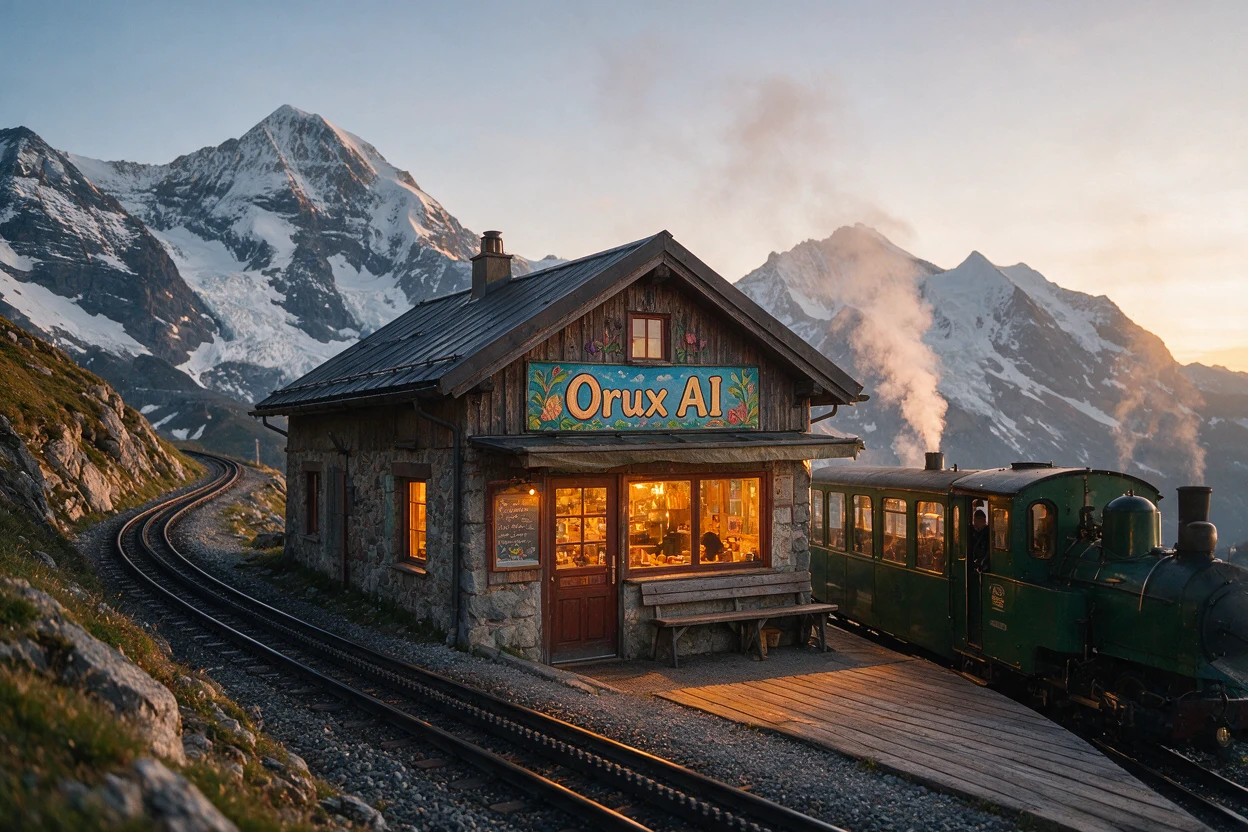
The saved "Mountain railway café" example on the Seedream 5.0 Pro page was generated with resolution="1K" and aspect_ratio="3:2". The file is 1248 × 832, about 1.04 megapixels. "1K" is a size class, not an exact width, and the actual dimensions change with the aspect ratio. We measured only this one file; we have not measured a 2K output or other ratios, so check img.size on your own results before building a layout around them.
This is an existing Orux model example, not a new generation for this article. The scene is AI-generated and fictional. The prompt:
Editorial travel photograph of a tiny mountain railway cafe at sunrise, forest green train beside a wooden platform, snowy peaks, steam and warm amber window light. A beautifully painted cafe sign reads exactly "Orux AI". Natural colors, rich photographic detail, no purple.The model page reported an average generation time of 99 seconds across 31 recent completed tasks when we checked on Oct 30, 2026. Plan for one to two minutes per image and poll accordingly.
Python request with reference images
Seedream runs as an asynchronous task. Submit, poll, and download the result right away because result URLs are temporary.
# pip install requests pillow
import io, os, time, requests
from PIL import Image

BASE = "https://orux.top/api/v1"
HEADERS = {"Authorization": f"Bearer {os.environ['ORUX_API_KEY']}"}


def seedream_pro_credits(resolution, n_refs):
    """Orux AI price for one seedream-5.0-pro image, checked 2026-10-29."""
    base = {"1K": 10.5, "2K": 21.0}[resolution]
    return base + 0.75 * max(0, n_refs - 1)  # first reference is included


refs = [
    "https://example.com/product-front.png",  # publicly reachable URLs, up to 10
    "https://example.com/product-side.png",
]
job = {
    "model": "seedream-5.0-pro",
    "input": {
        "prompt": "Place the product from the reference images on a stone shelf in a "
                  "sunlit bathroom, shallow depth of field, no text.",
        "image_urls": refs,
        "resolution": "1K",
        "aspect_ratio": "3:2",
    },
}
print("expected charge:", seedream_pro_credits("1K", len(refs)), "Credits")  # 11.25

r = requests.post(f"{BASE}/tasks", headers=HEADERS, json=job, timeout=60)
r.raise_for_status()  # 402 means top up your balance
task_id = r.json()["task_id"]

while True:
    time.sleep(5)
    t = requests.get(f"{BASE}/tasks/{task_id}", headers=HEADERS, timeout=30).json()
    if t["status"] not in ("QUEUED", "RUNNING"):
        break
if t["status"] != "SUCCESS":
    raise RuntimeError(t.get("error") or t["status"])  # FAILED / EXPIRED are not charged

data = requests.get(t["result"][0], timeout=120).content
img = Image.open(io.BytesIO(data))
print("actual size:", img.size)  # check it; "1K" at 3:2 gave 1248x832 in our example
with open("seedream.png", "wb") as f:
    f.write(data)
Supported aspect_ratio values are 1:1, 4:3, 3:4, 16:9, 9:16, 2:3, 3:2 and 21:9. Leave out image_urls for plain text-to-image.
Crop test: 16:9 desktop vs 9:16 mobile
A common question is whether you can generate one hero image and crop it for every screen. We tested that with the 1248 × 832 railway image above, rendered in a browser on Oct 29, 2026, with no regeneration, outpainting or retouching.

Desktop 16:9 works. With centered CSS cover, the sign, the curving track, the peaks and the train all survive; the crop removes 65 source pixels at the top and bottom. The locomotive's front was already cut off by the source image's right edge, so no crop can bring it back.

Mobile 9:16 forces a choice. A centered window keeps roughly source x = 390 to 858: the sign and warm windows stay, the track curve and the train go, and the picture becomes a café scene. Setting object-position: 100% 50% moves the window to x = 780 to 1248: you keep the train, steam and mountains but lose the sign.
| Layout | Visible source area | Trade-off |
|---|---|---|
| Desktop 16:9 | 1248 × 702 at x=0, y=65 | Full width; 130 px of height removed |
| Centered mobile 9:16 | 468 × 832 at x=390, y=0 | 37.5% of source width; café emphasis |
| Right-aligned mobile 9:16 | 468 × 832 at x=780, y=0 | 37.5% of source width; train emphasis |
| Complete mobile 3:2 | all 1248 × 832, shown at 390 × 260 | No crop; headline gets its own space |
Swipe horizontally to view the full table.
These are source-pixel calculations, not model output sizes.

The layout we shipped keeps the full 3:2 image on mobile and puts the headline below it. The train, café and track stay in relation, and the headline never fights the sign for space. The cost is a shorter image instead of a full-screen portrait, and the sign becomes small, so any wording that matters should be live page text. The CSS, with .hero-copy placed after the image as a sibling and no absolute overlay:
.hero-media {
  display: block;
  width: 100%;
  aspect-ratio: 16 / 9;
  object-fit: cover;
  object-position: 50% 50%;
}
.hero-copy { padding: 28px 24px; }
@media (max-width: 640px) {
  .hero-media {
    height: auto;
    aspect-ratio: auto;
  }
}
640px is an example breakpoint; adapt it to your layout. If you need a true full-screen 9:16 placement, generate a portrait composition with aspect_ratio="9:16" instead of cropping a landscape one. We did not run that generation for this test. If cost per image matters more than Seedream's look, Nano Banana 2.1 starts at 3.6 Credits per 1K image on Orux AI. For a text-heavy alternative, see the Qwen Image 3.0 API guide.
FAQ
How much is Seedream 5.0 Pro per image?
On Orux AI, Seedream 5.0 Pro costs 10.5 Credits ($0.0525) per 1K image and 21 Credits ($0.105) per 2K image with zero or one reference image, as of Oct 29, 2026. ByteDance's official list price is ¥0.30 up to 2.61 MP and ¥0.60 above, which is about 26% lower than Orux AI.
Do reference images cost extra?
On Orux AI, the first reference image is included and each additional one adds 0.75 Credits ($0.00375), up to 10 references. A 1K image with 10 references costs 17.25 Credits. Atlas Cloud lists a similar structure: first reference free, then $0.003 each.
What sizes does 1K / 2K produce?
The exact size depends on the aspect ratio. Our measured example at 1K and 3:2 came out at 1248 × 832, about 1.04 MP, not 1024 pixels wide. We have not measured 2K outputs, so read the size of each downloaded file before relying on it in a layout.
Can I generate 9:16 directly?
Yes. Seedream 5.0 Pro accepts aspect_ratio="9:16", along with 1:1, 4:3, 3:4, 16:9, 2:3, 3:2 and 21:9. Our crop test shows why that is usually better than cropping a landscape image: a 9:16 crop of a 3:2 image keeps only 37.5% of its width and drops part of the story.
Seedream 5.0 Pro or Nano Banana 2.1?
On price, Nano Banana 2.1 is cheaper on Orux AI: 3.6 Credits at 1K, 5.4 at 2K and 8.1 at 4K, versus 10.5 and 21 Credits for Seedream 5.0 Pro. Both accept up to 10 reference images. We have not run a controlled quality comparison, so test both on your own prompts before choosing.
Sources and next step
Load the "Mountain railway café" example on the Seedream 5.0 Pro model page to see its full input; loading it does not start a paid generation. Orux AI prices checked on 2026-10-29. Sources: Volcengine Ark pricing, Atlas Cloud, getimg.ai, MDN object-fit.
Build with these models through one API
One OpenAI-compatible API for chat, image, video and audio models, billed in Credits.
Related articles
Browse all articles →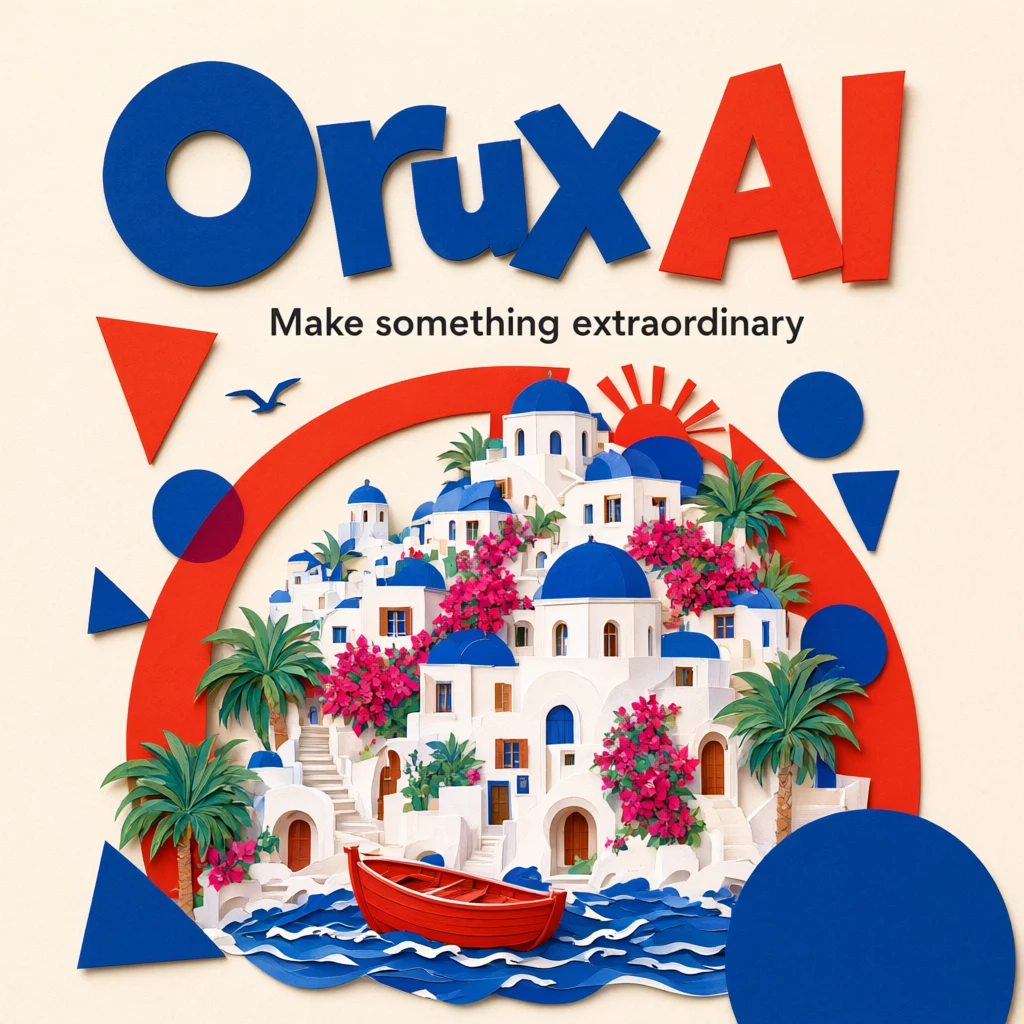
Qwen Image 3.0 API: Pricing, Pro vs Standard, Python
Qwen Image 3.0 API costs 6 Credits ($0.03) per image on Orux AI; Pro starts at 10.42 Credits. Compare both tiers, a real poster prompt and Python code.
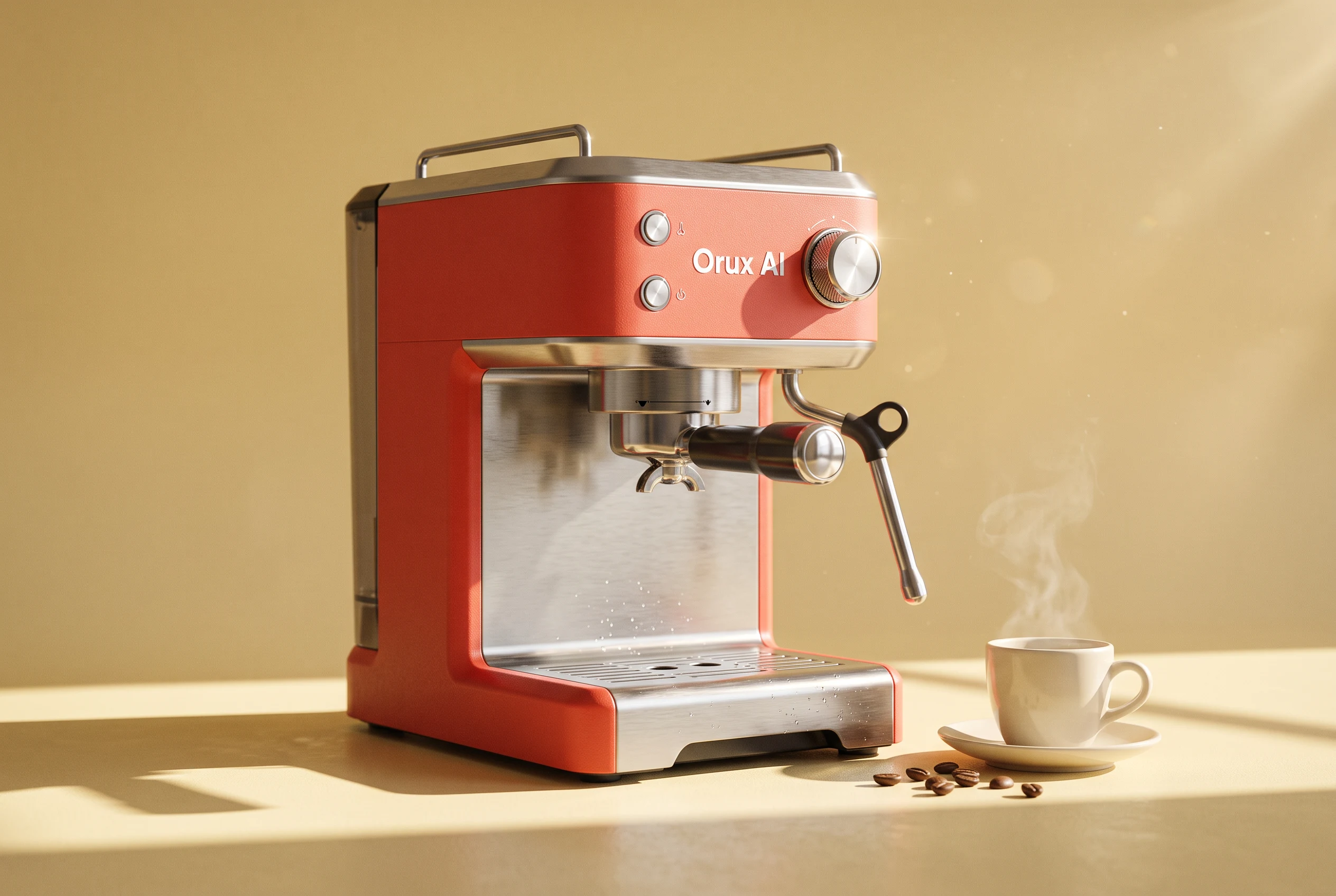
Nano Banana 2.1 API: Price per Image and Python Quickstart
Nano Banana 2.1 API costs 3.6 Credits ($0.018) per 1K image on Orux AI vs $0.0336 direct. See 2K/4K rates, aspect ratios, edit mode and Python code.
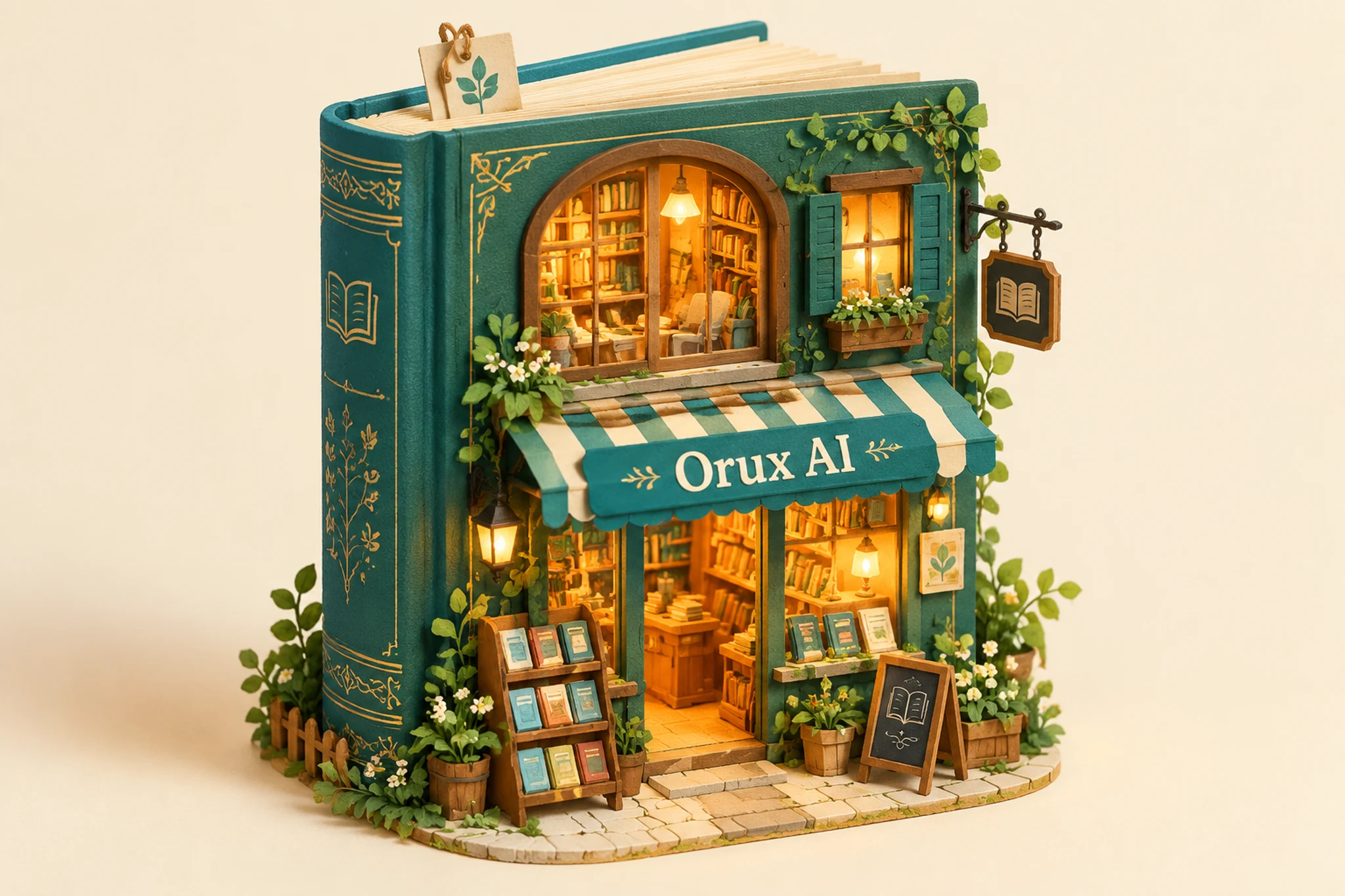
GPT Image 2.5 API: Price per Image and Flare vs Sunburst
GPT Image 2.5 API costs 5.4 Credits ($0.027) per 1K image on Orux AI for Flare or Sunburst. Compare token-based OpenAI pricing, speed and a working Python call.